

This is a carousel with auto-rotating slides. Activate any of the buttons to disable rotation. Use Next and Previous buttons to navigate, or jump to a slide with the slide dots.
EXPLORE
FEATURED STORES





EVENTS
Branson Landing
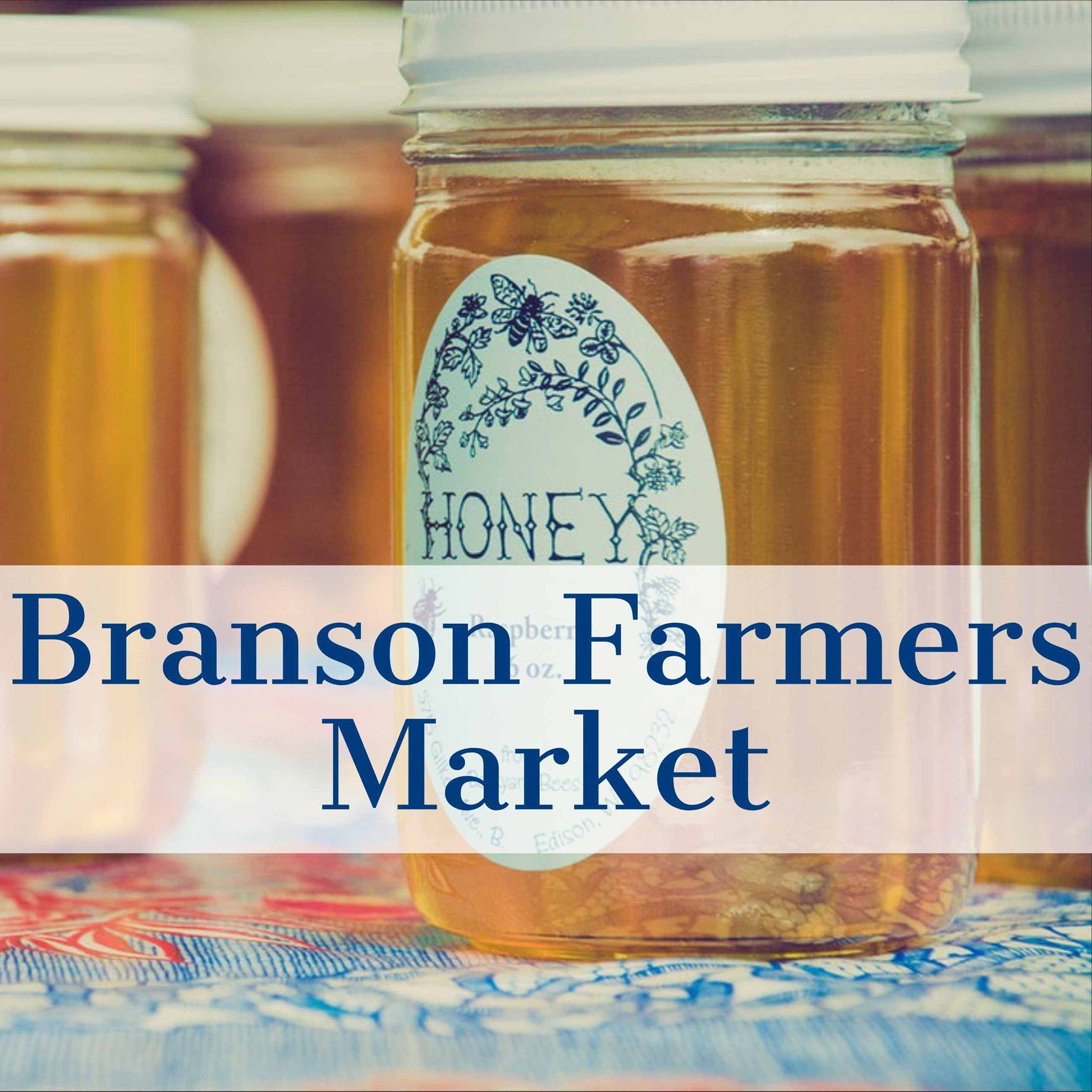
Branson Farmers Market at Branson Landing
May 5 - October 27
Branson Farmers Market at Branson Landing starts Tuesday,...
Read More
Branson Landing
Branson Landing FREE Summer Concert Series | Mile Zero & Queen City Dad Bods
June 13 - June 13
Enjoy an amazing LIVE CONCERT in front of Branson...
Read MoreBranson Landing
100 Branson Landing Blvd,
Branson, MO 65616